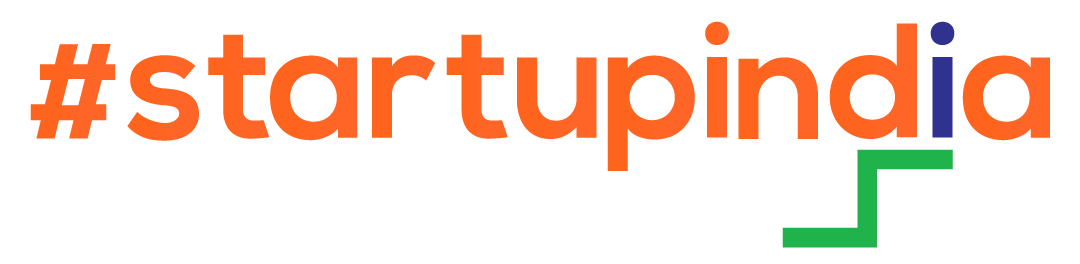
Every Channel on AI Autopilot
The AI learns each client's brand, then writes, schedules and publishes to Google Business Profile, Facebook, Instagram and WordPress - all from one white-label dashboard sold under your own brand.
Plans start at ₹10,000. Also see the AI Lead Agent
How AI Autopilot runs a client's channels
- Learns the brandVoice, tone, keywordsStep 1 of 5
- Writes the postsDaily, weekly or monthlyStep 2 of 5
- You approveOr let it auto-publishStep 3 of 5
- Publishes everywhereEvery connected channelStep 4 of 5
- Replies and reportsReviews, comments, insightsStep 5 of 5
Managed automatically on
- Google Business Profile
- WordPress
Runs on autopilot
New posts created daily, weekly or monthly, without a prompt.
Every channel, one login
Google, Facebook, Instagram and WordPress together.
You stay in control
Approve drafts first, or let posts go out automatically.
100% your brand
Your name, domain and prices. Clients never see ours.
Teach it once, then let it run
Train the AI on each client's brand voice. It creates new posts on a schedule you set and holds them for approval or publishes them for you.
- Brand Voice AgentTeach the AI your tone, keywords and style once, and everything it writes stays on-brand.
- AI AutopilotThe AI creates new posts daily, weekly or monthly - held as drafts for your approval or published automatically.
- AI Posts & CaptionsOne-click captions in the composer, or generate a batch of posts for all channels to review and approve.
- AI AssistantA chat copilot and marketing agent that knows your business.
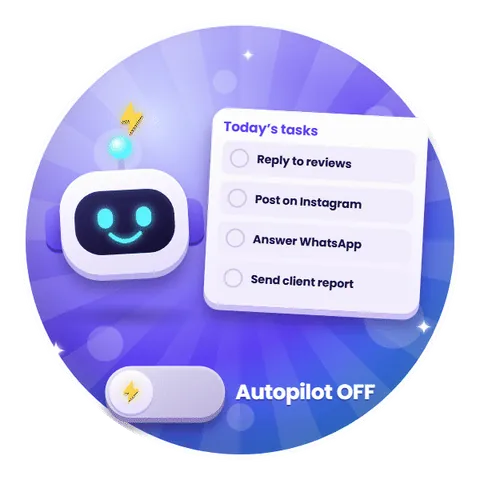
Write once, post everywhere, see it all on one calendar
A single composer sends to Google, Facebook, Instagram and WordPress together, and the calendar shows every post and its status.
- One Composer, Every ChannelA live phone preview for each platform. Post now, schedule, or save as draft.
- Content CalendarMonth or list view of every post across all channels, colour-coded as draft, scheduled, published or failed.
- Bulk Media SchedulerUpload many photos or videos and spread them out daily, on alternate days or on a custom schedule.
- Suggested Posts & Media LibraryMonthly festival and promotional templates, plus a drag-and-drop library to upload once and reuse everywhere.
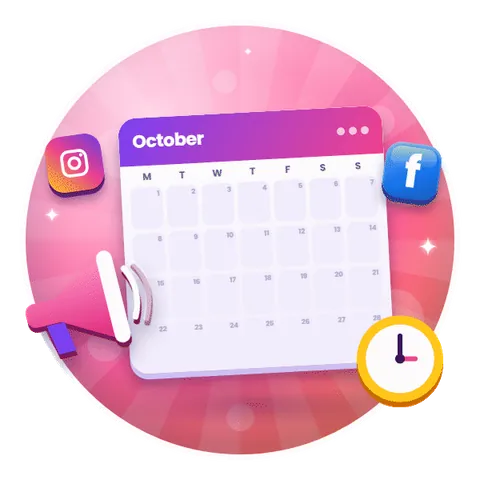
Keep every client's Google profile active and ranking
Posts, photos and review replies run on autopilot, while rank tracking and insights show what is working on Google Maps and Search.
- Posts & Media SchedulingUpdates, events, offers and alerts with call-to-action buttons, plus category-tagged photos and videos - post now or schedule for later.
- AI Review RepliesEvery review in one inbox. AI replies in your brand voice with per-star templates - send as drafts for approval or fully automatic.
- Geo-Grid Rank TrackingTrack where you rank on Google Maps for any phrase, with AI keyword suggestions, rank history and a neighbourhood grid map.
- Insights & Search KeywordsCalls, website clicks, direction requests and impressions over 7, 30 or 90 days - plus the actual phrases customers typed to find you.
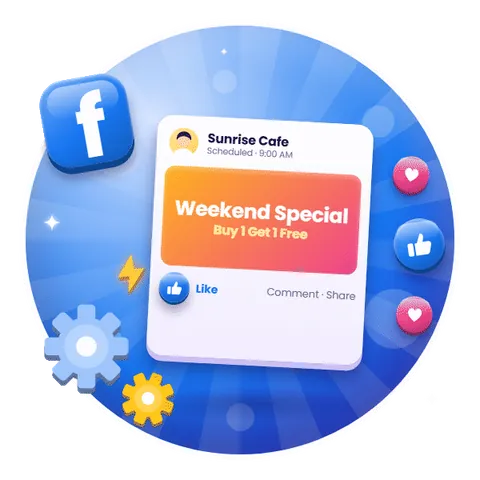
Facebook Pages that post and answer without you
Publish and schedule to every client Page, then handle comments and Messenger from one inbox.
- Publish & SchedulePost images and videos to your Facebook Page, Instagram, or both at once - now or on a schedule.
- Comments InboxComments from every post in one place, filterable by date, platform and 'needs reply'.
- Unified Messenger InboxMessenger and Instagram DMs together in a single inbox, so no customer message slips through.
- Overview & InsightsFollowers, reach, response-rate score, required actions and a publishing queue - with multiple Pages per business.
Reels and posts scheduled, DMs in one place
Schedule reels, posts and stories, track mentions and story tags, and read Direct Messages next to Messenger.
- Reel & Post SchedulingPublish or schedule images, videos and Instagram Reels, with a live phone preview before it goes out.
- Mentions & Story TagsSee every Instagram tag and story mention in one feed, and reply to the customer by DM.
- DM InboxInstagram Direct Messages sit alongside Messenger in one unified inbox.
- Instagram InsightsInstagram and Facebook Page performance side by side.

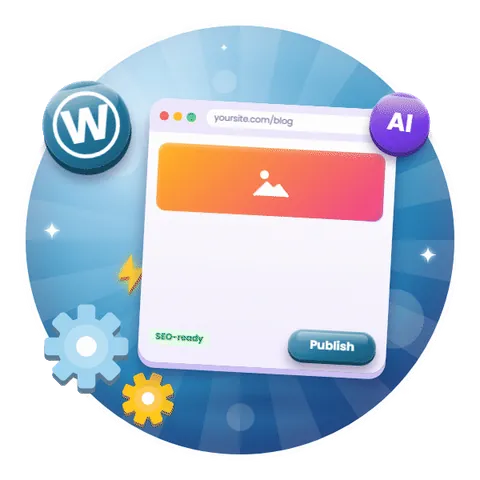
Fresh blog content on the client's own website
Publish and schedule blog posts to WordPress from the same composer as social and Google, and manage the posts already on the site.
- Publish & Schedule PostsWrite once and send blog posts to WordPress now or on a schedule.
- Manage Existing ContentBrowse and manage the posts already on your site.
- Scheduled CommentsQueue comments on your posts to go out at the right time.
A website, AI visibility and reviews to match
The same login also builds a one-page website from the connected channels, makes each client visible to AI answer engines and brings in more reviews.
Live for your first client in four steps
STEP 1
Choose a plan
Channel Based or Unlimited, paid yearly, monthly or once for lifetime.
STEP 2
Brand it as yours
Logo, colours and login on your own domain. We handle the setup.
STEP 3
Connect client channels
Link each client's Google, Facebook, Instagram and WordPress accounts.
STEP 4
Sell and bill
Charge your own prices and keep the margin.
Frequently asked questions about AI Automation
What does AI Automation do?
Which channels can it publish to?
Can I approve posts before they go live?
Does it reply to reviews and comments as well?
Is there a free trial?
Put your clients' channels on autopilot
Start a free trial, or talk to us about setting up your white-label platform.